AI Builds the Skeleton — You Build the Muscle and Bone
AI website builders can generate a homepage in minutes. But that draft is only the starting line. Here's how DigiForge bridges the gap between AI-generated drafts and production-ready sites.
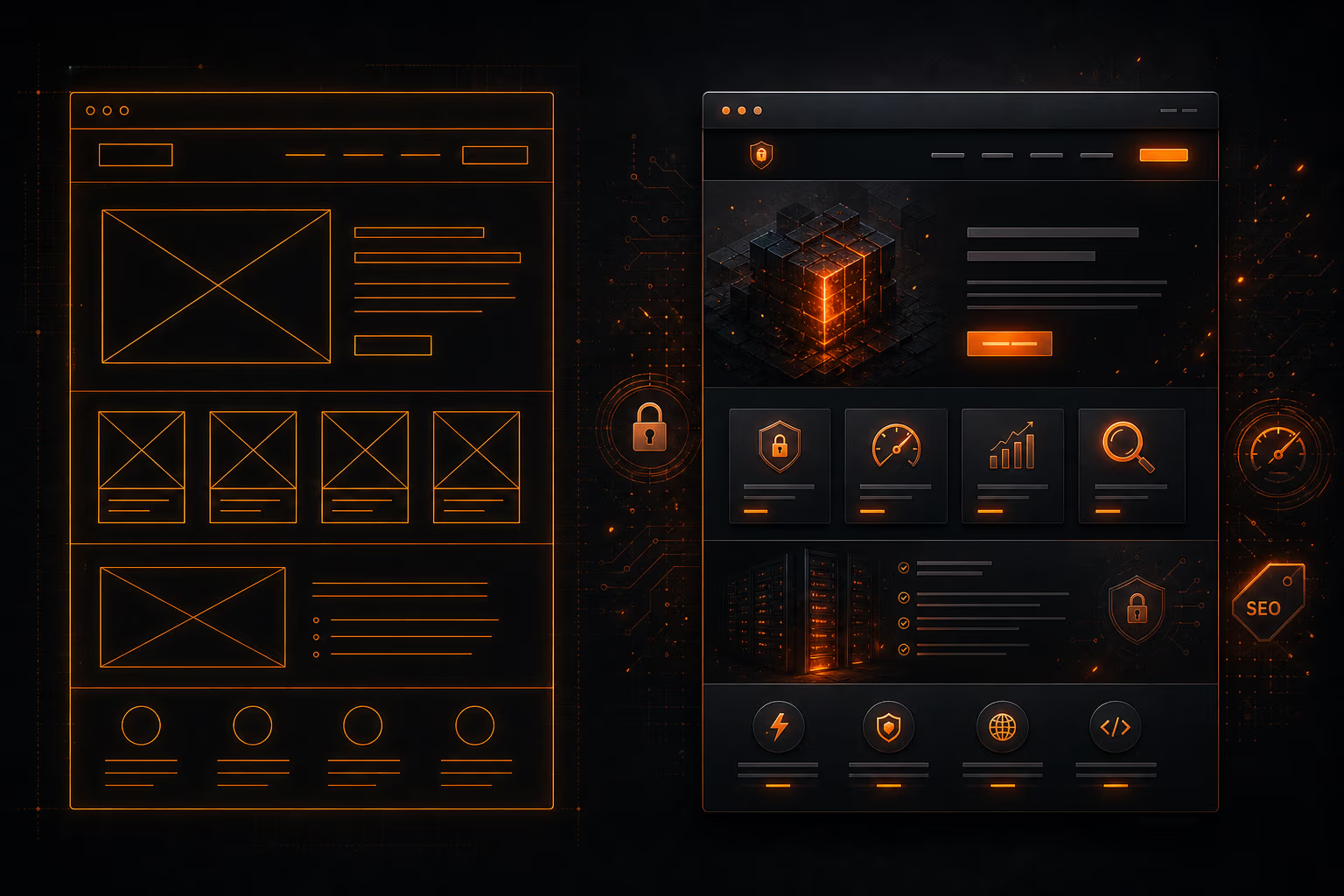
At DigiForge, we've watched the AI website-building space explode. Type in a prompt — "modern SaaS landing page" — and within minutes you get a hero section, service cards, testimonials, and a call-to-action. The first draft that used to take days now appears in seconds. It's impressive. It's also only the beginning.
The market for AI coding tools has hit $7.37 billion [1], and for good reason: these tools lower the barrier to getting something visible fast. But as we've seen repeatedly in our builds, the gap between a generated draft and a production website is where real engineering begins. AI can generate a skeleton, but someone has to build the muscle and bone — performance, security, SEO, maintainability, and the dozens of invisible layers that separate a demo from a durable product.
The Hype vs. The Reality of AI Website Builders
The promise is seductive: anyone can create a professional website by describing their idea in plain text. No coding required. Innovation would no longer be limited to those who can write code, but by anyone with an idea [1]. In practice, we see clients showing up with AI-generated sites that look finished until they actually need to drive traffic, handle payments, or rank on Google.
One-shot AI builders are great at producing the visual layer — a clean homepage with a hero, services, testimonials — but real websites don't live in a vacuum. They need a real content system, safe editing, stable integrations for analytics, forms, SEO, payments, and ecommerce. When those pieces aren't wired in cleanly, changes become risky, scaling gets painful, and the site quietly turns into a maintenance nightmare [2].
"The gap between a generated draft and an operational website is where the real work lives. That gap is where we earn our keep."
We've seen sites generated by tools like Wix's AI or Hostinger's builder [3] that have solid layouts but no semantic HTML structure, unknown security headers, and zero accessibility considerations. The generated code often lacks separation of concerns, mixing presentation and logic in ways that would make any senior developer cringe.
Canva's latest AI assistant [4] takes a smarter approach: it generates designs using layers, giving users flexibility to tweak individual elements. That's a step towards composability, but even Canva's co-founder, Cliff Obrecht, noted the assistant is still early [4]. For production-grade websites, composability alone isn't enough — you need a robust architecture underneath.
Where AI Shines (and Where It Fails)
What AI Gets Right
AI tools excel at accelerating the initial draft. They generate coherent copy, suggest imagery, and lay out sections based on common patterns. For low-stakes projects — a personal portfolio, a landing page for a weekend project — that might be enough. And for professional teams, AI can eliminate the blank-page paralysis and provide a starting point that's miles ahead of a wireframe.
Some platforms are getting smarter about moving beyond one-shot generation. 10Web's Agentic Website Builder, for example, attempts to carry a site from brief to build to launch to ongoing management [2]. Others, like Wix, balance AI features with customization and SEO tools [3]. This evolution is promising, but even these pipeline-builders can't replace human judgement on things like brand voice, information architecture, and long-term maintainability.
Where AI Falls Down
- Performance debt: AI-generated code often includes unnecessary dependencies, bloated CSS, and inefficient JavaScript. We routinely see sites that score in the 40s on Lighthouse because the AI used heavy framework components for trivial UI. One recent client's AI-built site included a full Bootstrap grid when all they needed was three flexbox lines.
- Security blind spots: Generated sites rarely enforce Content Security Policy, set proper CORS headers, or sanitize user inputs. In one audit, an AI-built site had a contact form that was wide open to SQL injection because the generated PHP was using raw
$_POSTwithout prepared statements. The same site exposed environment variables in a public GitHub repo. - SEO surface-area: AI tools generate meta tags and basic schema, but they don't understand your content strategy. We've seen sites with duplicate
hreflangtags, missing canonical URLs, and content that's too generic to rank for anything competitive. One ecommerce client's AI-generated product pages had identical descriptions for all 200 SKUs. - Maintainability: Generated code is often a black box. When the client wants to add a new feature or change a layout six months later, they're stuck either regenerating the whole site (losing customizations) or hacking around code they don't understand. The code quality is typically poor — we've seen AI-generated React components with 2000-line files and no PropTypes.
- Accessibility: Most AI-generated sites fail basic WCAG checks — missing
alttext on images, insufficient color contrast, and keyboard traps in navigation. One landing page from a popular builder had a carousel that was completely inaccessible to screen readers because the AI used non-semantic<div>tags with ARIA roles that didn't match the actual behavior.
The Harvard Business Review article [1] makes a crucial point that many leaders miss: AI tools make coders more important, not less. The ability to prompt an AI to generate code is worthless if you can't evaluate whether that code is correct, secure, and efficient. The demand for engineers who can bridge the gap between AI output and production-grade quality is higher than ever.
Our Playbook: Combining AI Speed with Engineering Rigor
At DigiForge, we don't ban AI tools — we use them strategically, but we always run their output through the same process we'd use for any code. Here's how we turn AI drafts into production-ready websites.
1. Treat AI as a Junior Developer
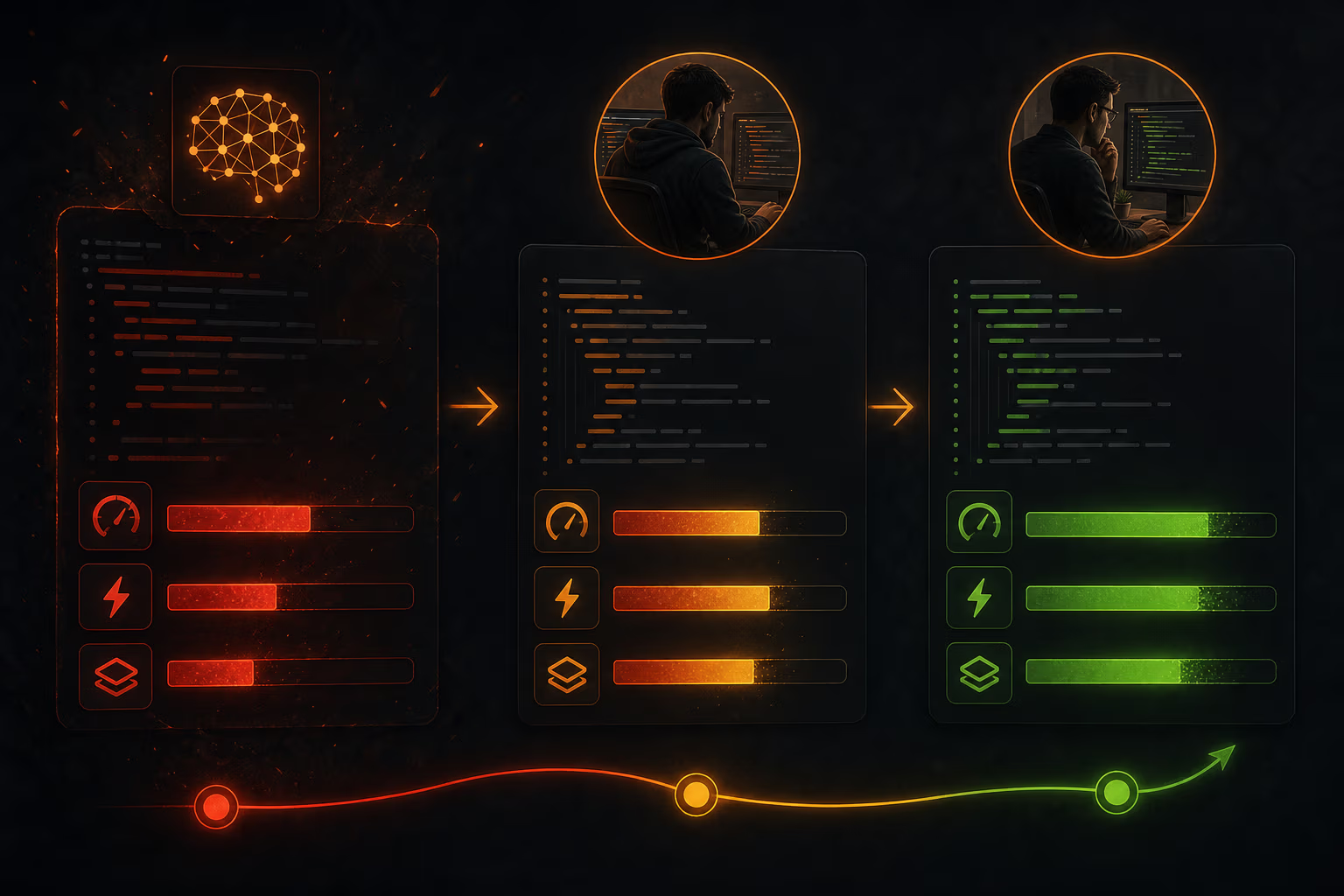
We let AI generate the first draft, then treat it like code from an enthusiastic but inexperienced junior developer. Every line gets reviewed. We refactor for performance, security, and maintainability. We rewrite the parts that are brittle or non-standard. We never ship AI-generated code to production without a full code review — and that review often results in 40-60% of the code being replaced.
2. Enforce a Performance Budget from Day One
Before we even look at the AI's output, we set a performance budget: total bundle size under 150kb on mobile, Largest Contentful Paint under 2.5 seconds, and no blocking JavaScript. We audit the generated site with Lighthouse and WebPageTest. If the AI used an 80kb animation library for a simple fade-in, we rip it out and write a 2-line CSS animation. We also set up performance monitoring early so we catch regressions before they hit users.
3. Add a Security Layer
We run every AI-generated site through a security audit: check for mixed content, missing security headers, insecure forms, and exposed credentials. We add Content Security Policy headers, set X-Frame-Options and X-Content-Type-Options, and ensure all user inputs are properly sanitized and parameterized. This step is non-negotiable — we've seen too many AI-generated sites that leak data or are vulnerable to XSS. We also scan dependencies for known CVEs.
# Example security headers we add to every production site
add_header X-Frame-Options "SAMEORIGIN" always;
add_header X-Content-Type-Options "nosniff" always;
add_header Content-Security-Policy "default-src 'self'; script-src 'self'; style-src 'self' 'unsafe-inline';" always;
add_header Referrer-Policy "strict-origin-when-cross-origin" always;
4. Rebuild the Information Architecture
AI tools generate pages based on prompts, not on a thoughtful content hierarchy. We map out the user journey, define clear calls-to-action for each segment, and structure the site around conversion goals, not around what a prompt guessed. This often means reorganizing navigation, adding breadcrumbs, and rewriting copy for clarity and SEO. For a recent client, the AI-generated site had the pricing page buried three levels deep; we moved it to the main navigation and saw a 25% increase in sign-up conversions.
5. Implement a Real Content System
Many AI builders generate static content baked into the code. That's a disaster for anyone who needs to update text or images without a developer. We migrate content to a headless CMS (like Sanity or Strapi) or use a static site generator with a clear admin interface. The client should be able to change their team page without touching a single line of code. We also set up a preview environment so content editors can see changes before publishing.
6. Ensure Accessibility from the Start
We audit every AI-generated page with axe-core and test with a screen reader. AI tools rarely get accessible focus order, landmark regions, or color contrast right. We fix these issues before the site goes live — not as an afterthought. It's the right thing to do and it avoids legal liability. In one case, we found that the AI had used role="button" on a <div> without keyboard event handlers; we replaced it with a proper <button> element.
The Role of Human Expertise in AI-Driven Development
Some argue that AI will make developers obsolete. The data suggests otherwise. A survey cited in the sources found that 69% of professional developers were using AI tools in 2024 [3], yet the demand for skilled engineers has only increased. Why? Because AI tools generate a lot of code, but they don't understand context, business rules, or trade-offs.
Take a simple example: an AI might generate a checkout flow that works on a basic level, but it won't know that your payment gateway requires PCI-compliant tokenization, or that the shipping logic needs to handle multiple warehouses, or that the cart should sync across devices. That's where human engineers provide the real value — in designing systems that are robust, scalable, and aligned with business goals.
At DigiForge, we see AI as a force multiplier, not a replacement. We use it to accelerate the boring parts — scaffolding, boilerplate, repetitive CSS — and then focus our energy on architecture, security, performance, and edge cases. This approach lets us deliver projects faster without sacrificing quality.
When to Use AI and When to Skip It
There are use cases where AI website builders are genuinely useful: internal tools, rapid prototypes, micro-sites for a single campaign, or personal projects where maintenance cost is zero. In those cases, a tool like Wix AI or Framer [3] can save days of work. Even then, we recommend taking the time to clean up the output — at minimum, add security headers and fix obvious accessibility issues.
But for any site that drives revenue, handles user data, or represents a brand long-term, we recommend using AI only as a collaborative partner — never as the sole author. The cost of fixing a poorly built site later (performance issues, security breaches, inaccessible user experiences) far outweighs the initial time saved. We've seen companies lose thousands of dollars in lost sales because an AI-generated site had a broken checkout flow that went undetected for weeks.
DigiForge's rule of thumb: If the site needs to rank in search, process payments, or handle any kind of login, treat the AI draft as a mood board, not a blueprint. The real engineering starts after generation.
Engineering Judgment Still Wins
AI tools are a powerful addition to the developer's toolkit, but they amplify — not replace — engineering judgment. The ability to critique generated code, to know when to use a lightweight alternative, to structure a site for growth — these skills are more valuable than ever. At DigiForge, we see ourselves as the bridge between AI's speed and production quality. We harness the acceleration, but we never sacrifice the discipline that makes a website robust, secure, and scalable.
If you've got an AI-generated draft that needs the muscle and bone of real engineering, let's talk. We'll show you what happens when you treat AI as a junior developer — and you become the senior engineer who makes the project actually work.