Taming Faceted Navigation for SEO: A Practical Guide for E-Commerce
Learn how to manage faceted navigation and filters in e-commerce without wasting crawl budget or creating index bloat. Practical strategies from DigiForge.

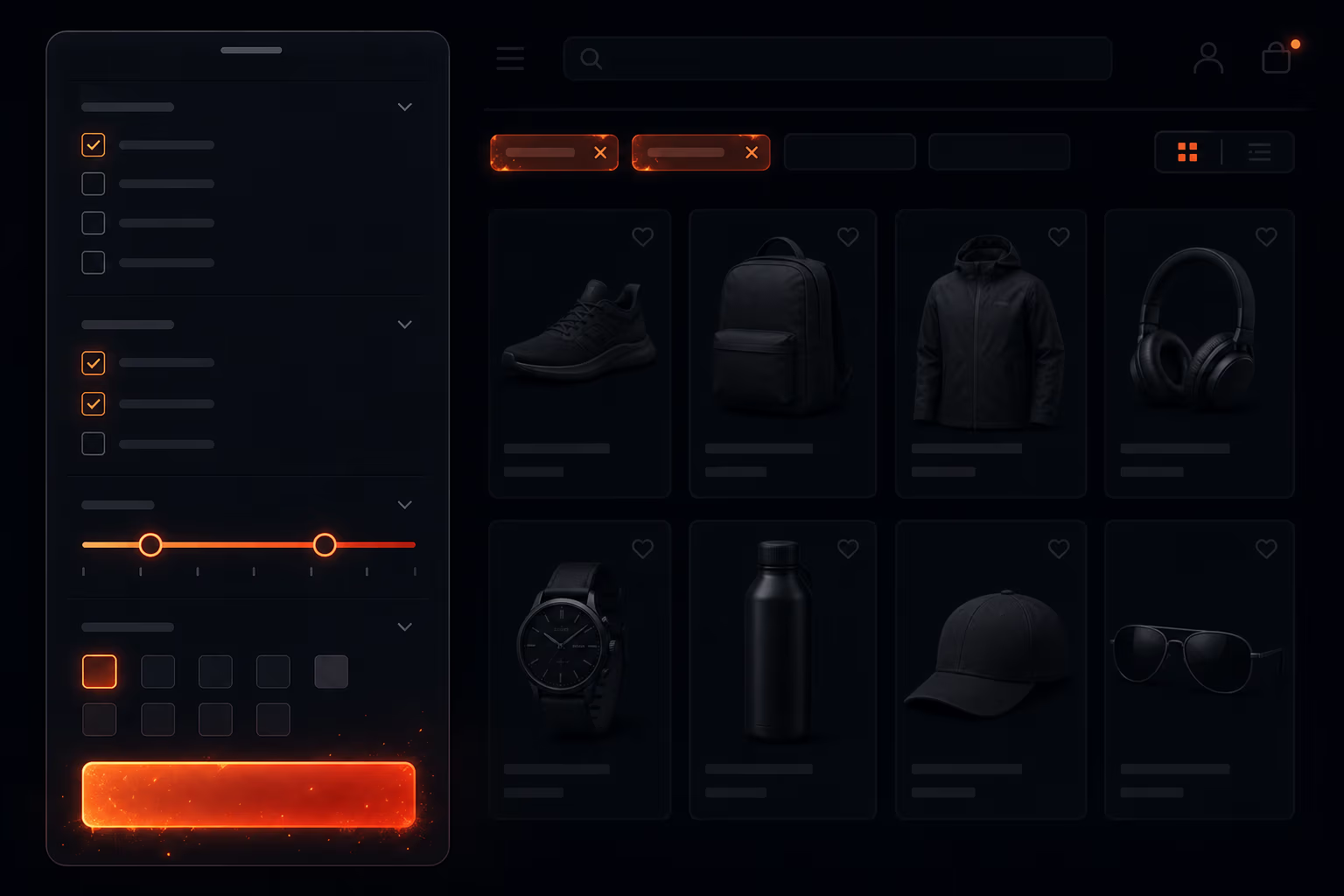
Faceted navigation is one of the best tools for helping customers navigate large e-commerce catalogs. A shopper can filter by size, color, price range, brand, and dozens of other attributes to find exactly what they need. But for search engines, those same filters can create a nightmare of duplicate URLs, wasted crawl budget, and index bloat. At DigiForge, we've seen sites with millions of indexed pages that should have been just a few thousand – all because of poorly managed facets. In this guide, we'll walk through how to audit, fix, and prevent these issues without sacrificing usability.
The Problem: How Filters Create SEO Nightmares
Every time a user applies a filter, many e-commerce platforms generate a new URL. For example, a men's shoes category might have URLs like /shoes?size=10&color=red&brand=nike. Now multiply that by dozens of sizes, colors, brands, price ranges, and more. The number of combinations grows exponentially. A category with just five filter dimensions, each with ten values, can produce over 100,000 unique URLs. Search engines will try to crawl all of them, wasting crawl budget on pages that offer little to no unique value. Worse, these pages often end up in the index, competing with each other for rankings and diluting authority.
A single product page with 5 filter categories, each with 10 values, can generate over 100,000 unique filter URLs. Most of those have zero organic traffic.
The result is index bloat: search engines store thousands of near-duplicate pages, reducing the visibility of your important category and product pages. Crawl budget gets eaten up by low-value pages, and your SEO performance suffers across the board.
Auditing Your Faceted Navigation for SEO Issues
Before you fix anything, you need to know what you're dealing with. Here's a straightforward auditing process we use at DigiForge:
- Run a site: search for your domain in Google and check how many results come up. If you see endless filter combinations indexed, you have a problem.
- Use a crawl tool like Screaming Frog with custom extraction to list all URLs containing parameters like ?color=, ?size=, ?price=. This will show you the scale.
- Check Google Search Console's URL Parameters report. It often lists parameters Google has detected and how they affect crawling. Look for parameters marked as 'Crawl like never' – a sign that Google is uncertain.
- Analyze organic traffic to filtered pages in Google Analytics or Search Console. Many will have zero clicks. Those are candidates for cleanup.
- Manually test a few filter URLs to see if they return thin content – for example, a filter that produces 2 products and no unique description.
According to an analysis by Search Engine Journal, the first step is often a simple site: search to reveal how deep the issue runs. You don't need to be a tech wizard, but you do need a systematic approach.
Strategic Solutions: Canonical, Noindex, and AJAX
There are three primary technical methods to control faceted navigation for SEO, and we usually combine them based on the value of each filter combination.
1. Canonical URLs
Point all filtered versions of a category back to the main category page using a rel=canonical tag. For example, /shoes?size=10 canonicalizes to /shoes/. This tells search engines that the filtered URL is just a variant of the main page and shouldn't be considered a separate entity. It's a clean solution for filters that don't significantly change the content – like size or color filters that still show many products. However, be careful: if a filter combination yields a truly unique set of products (e.g., a search result page), canonicalizing to the main category might misrepresent the content.
2. Noindex for Low-Value Filter Combinations
For filters that are likely to produce thin content – for instance, combining three obscure filters that yield only two products – use a noindex meta tag. This prevents the page from being indexed while still allowing users to access it. We apply noindex automatically on any filter combination that results in fewer than a certain number of products (e.g., under 5). This reduces index bloat without affecting user experience. As Search Engine Land emphasizes, you should prioritize fixes based on the business impact: noindex the filters that get zero traffic but consume crawl resources.
3. AJAX-Based Filtering with PushState
Modern e-commerce sites can implement filtering entirely on the client side using AJAX, updating the product grid without generating a new URL. The browser's history API (PushState) can update the URL for bookmarking and sharing, but the server doesn't produce a new page. This eliminates the problem from the search engine's perspective – as long as the initial page load is still crawlable. We recommend this approach for interactive filters that don't need to be indexed. The key is to ensure that the underlying category page remains static and crawlable, and that JavaScript-heavy filtering doesn't break accessibility.
At DigiForge, we often mix these techniques. For example, we might use canonical on most single-filter values, noindex on deep fades, and AJAX for rapid filtering. The right mix depends on your site's architecture and the value each filter type provides.
Implementing Parameter Handling in Google Search Console
Another layer of control is Google's URL Parameters tool in Search Console. You can tell Google which parameters are 'passive' – meaning they don't change the page content significantly – versus 'active' ones that do. For example, the parameter 'sort' might be passive (just reorders results), while 'size' might be active (filters results). By marking parameters like 'color', 'size', 'price' as passive (if they are actually used for filtering but not changing the core page), Google will reduce crawling of those URLs. However, this tool is a suggestion, not a directive, and Google may still crawl some of those URLs. It's best used in conjunction with canonical and noindex.
Prioritizing Fixes: Business Impact Over SEO Purity
Not all filter pages are equally harmful. A filter that shows 'all red shoes' might get decent traffic and even rank for long-tail queries like 'red running shoes'. You don't want to noindex or canonicalize that page if it's performing well. Instead, prioritize the fixes that have the greatest business impact. Use analytics to identify which filtered pages actually receive organic traffic and which are just crawl waste. Search Engine Land's framework for prioritizing technical SEO fixes by business impact is spot on: weigh the effort of fixing each issue against the potential gain in crawl efficiency and index quality. In many cases, applying noindex to the worst offending filters – those with zero traffic and hundreds of thousands of URLs – will free up significant crawl budget for your best pages.
Building from the Start: Integrating SEO into Development
The best time to address faceted navigation SEO is during the initial site build. As The Drum noted, technical SEO should be dovetailed with planning and design, not tacked on after launch. When we build e-commerce sites at DigiForge, we design the filtering system with SEO constraints in mind from day one. This means choosing a flat URL structure, limiting the depth of filter combinations, and architecting the server to serve only a finite set of canonical pages. For example, we may restrict filters to only allow combinations of three attributes at most, and any deeper combination redirects to a refined category. Or we use server-side logic to detect when a filter combination produces too few results and automatically noindex it. Getting this right in the development phase saves months of cleanup later.
“Too often technical SEO is regarded as a secondary concern in the site build process; something that can be factored into the site after it has been developed and launched.” – The Drum
That old mindset is precisely why we see so many e-commerce sites with millions of indexed filter pages that shouldn't exist. E-commerce SEO requires specialized expertise that goes beyond basic optimization, and faceted navigation is one of the most technical challenges. Treat it as a core part of your site architecture, not an afterthought.
Conclusion & Next Steps
Faceted navigation doesn't have to be an SEO liability. With a thoughtful combination of canonical URLs, noindex tags, AJAX loading, and proper parameter handling in Search Console, you can give users the filtering experience they want without choking your crawl budget. The key is to audit what's currently happening, prioritize fixes based on business impact, and, ideally, build your site with these constraints from the beginning. If you're wrestling with endless filter URLs and aren't sure where to start, reach out to DigiForge. We've helped e-commerce clients cut their indexed pages by 90% while improving organic traffic to their core category pages. It's a concrete win for both users and search engines.
Sources
- Ask An SEO: How To Implement Faceted Navigation Without Hurting Crawl Efficiency
- Seven best e-commerce SEO agencies for your online growth
- How to prioritize technical SEO fixes by business impact
- The importance of integrating Technical SEO into your website build
- TECHNICAL Definition & Meaning - Merriam-Webster